




Native Zebra Integration for iPhone, iPad, and Mac
 Volejte
nám
+420 608 301 880
Obvykle jsme dostupní v pracovní dny mezi 8. a 18. hodinou
Pokud budete volat z viditelného čísla a nedovoláte se, zavoláme vám zpátky
 Voláme
zpět
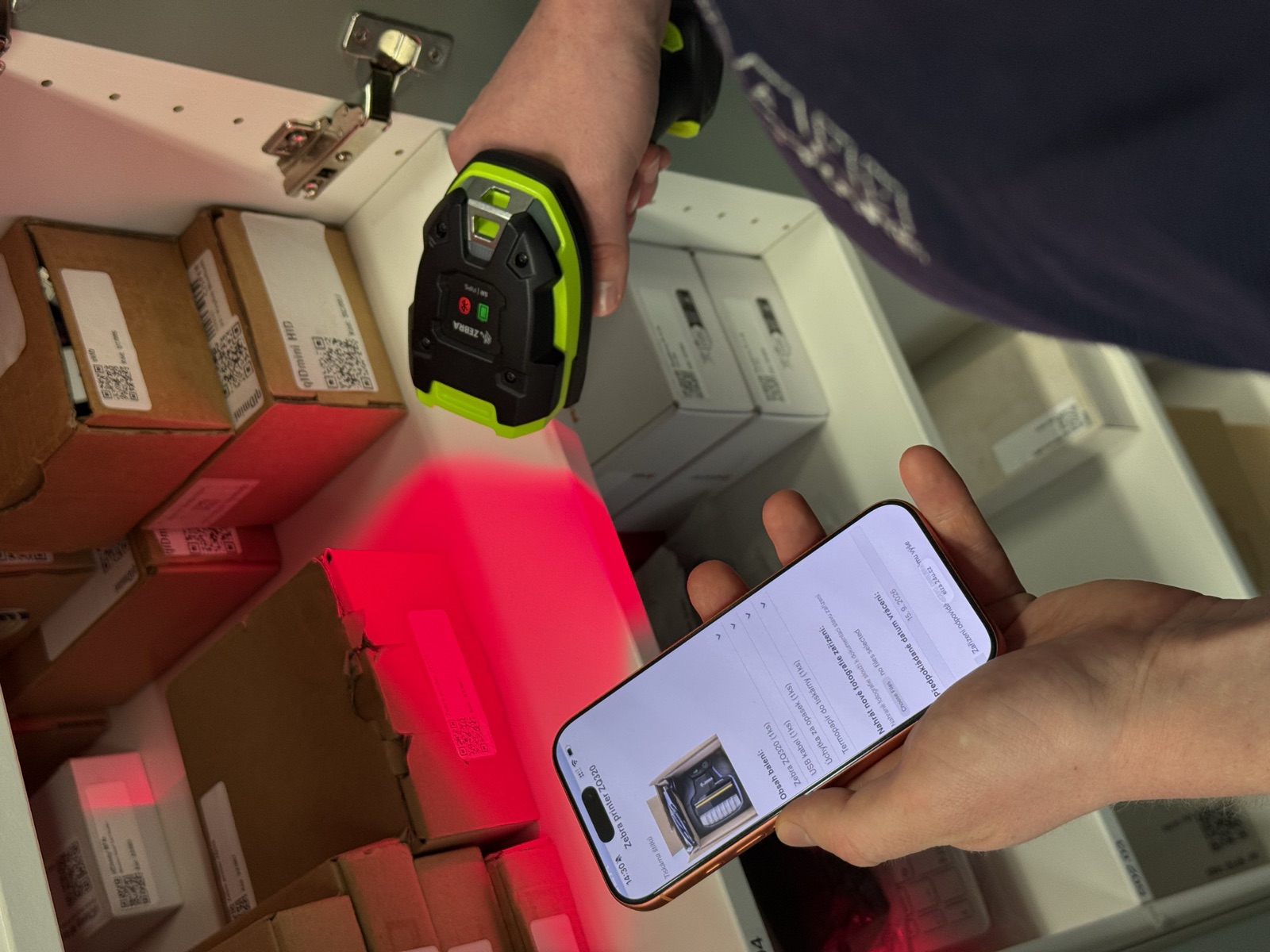
Our technology adapts to your workflow, not the other way around.
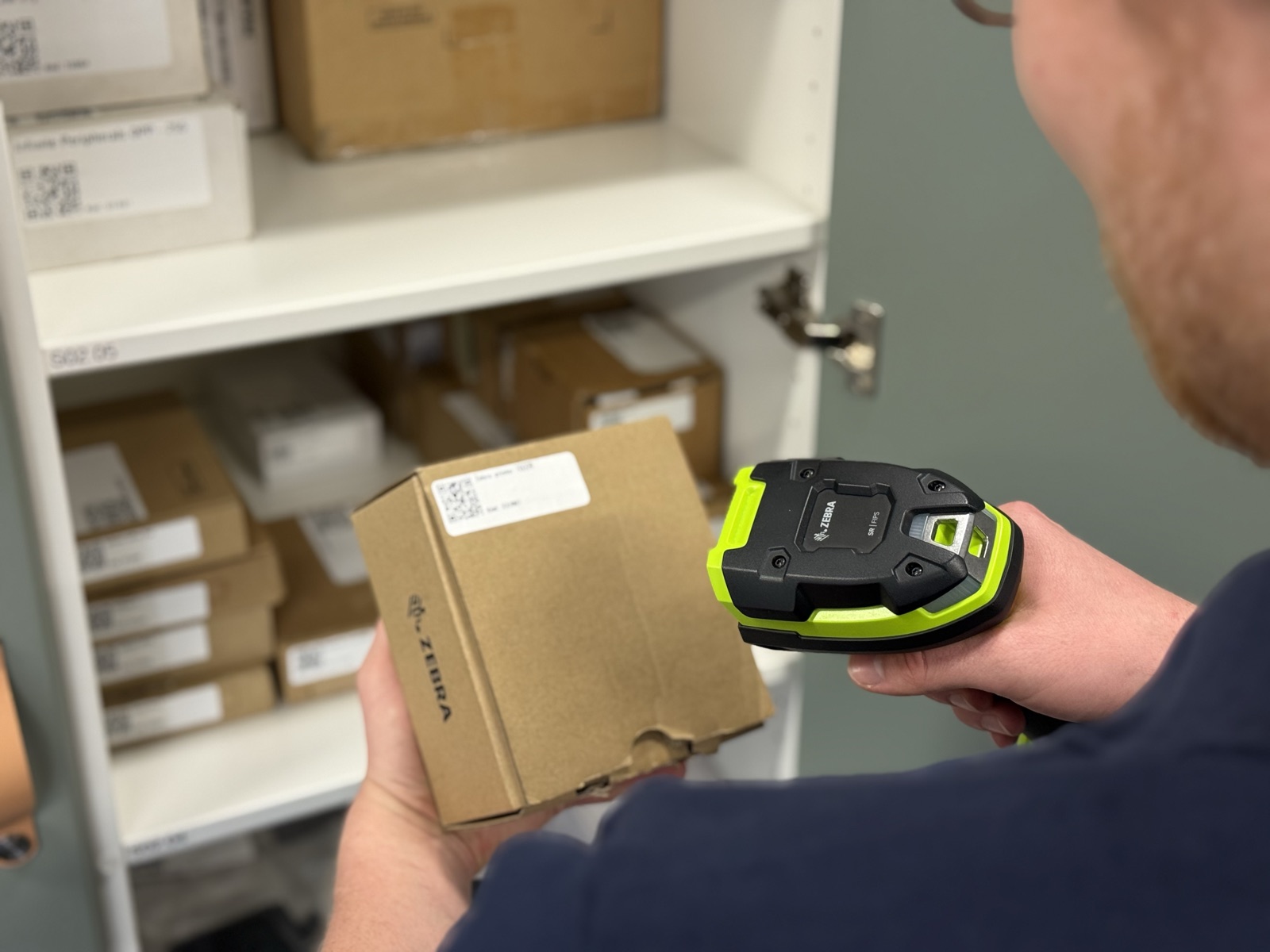
Do you need to connect your Zebra scanners, printers, or RFID readers with your custom software? To convert your existing FileMaker or web-based solution to a native iOS application? Or create a new application from scratch? It may be easier than you think. As an official Zebra Partner with extensive experience in hardware integration, we can find a solution to your specific needs.
Interested? Contact us via email or phone for a free and non-binding consultation.
Real-world applications around the world
Over the years, we have worked with customers in 79 countries. Our products are used in industries such as:
- Retail
- Healthcare
- Manufacturing
- Warehousing
- Hospitality
We support all kinds of Zebra devices
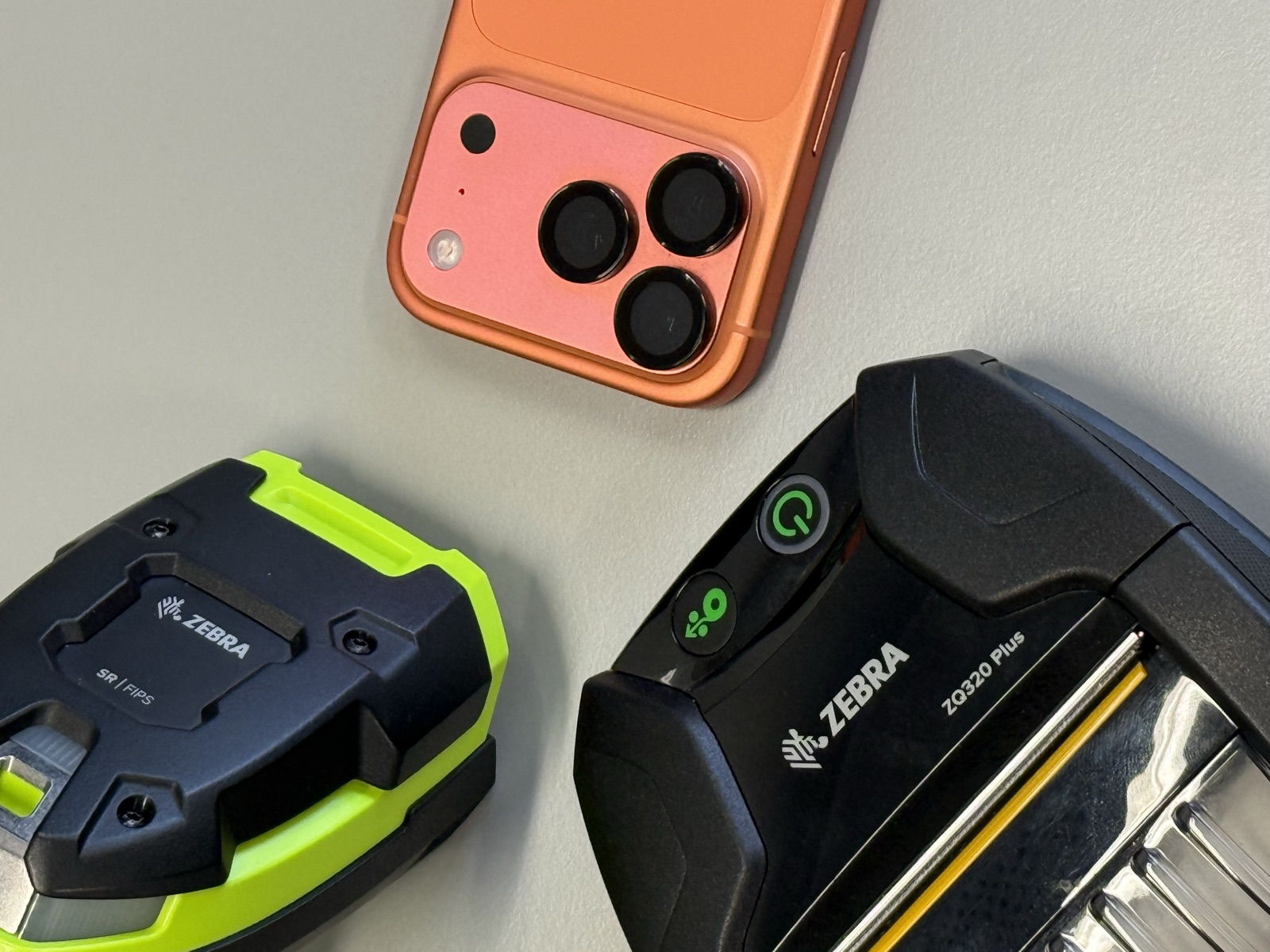
At 24U Software, we can integrate almost any Zebra hardware including, but not limited to:
- Barcode Scanners (DS2200, DS3600, LI3600, RS2100, RS5100, or RS6100 series)
- Handheld RFID Readers (RFD40, RFD90, RFD8500)
- Fixed RFID Readers (FXR90, FX7500, FX9600)
- Mobile and RFID Printers (ZQ600, ZQ500, or ZQ300 series)
Use your application across different platforms
While we are specialists in Apple technologies, we develop native applications not only for Mac and iOS. Our Zebra support extends to Android devices to make your software robust and accessible.
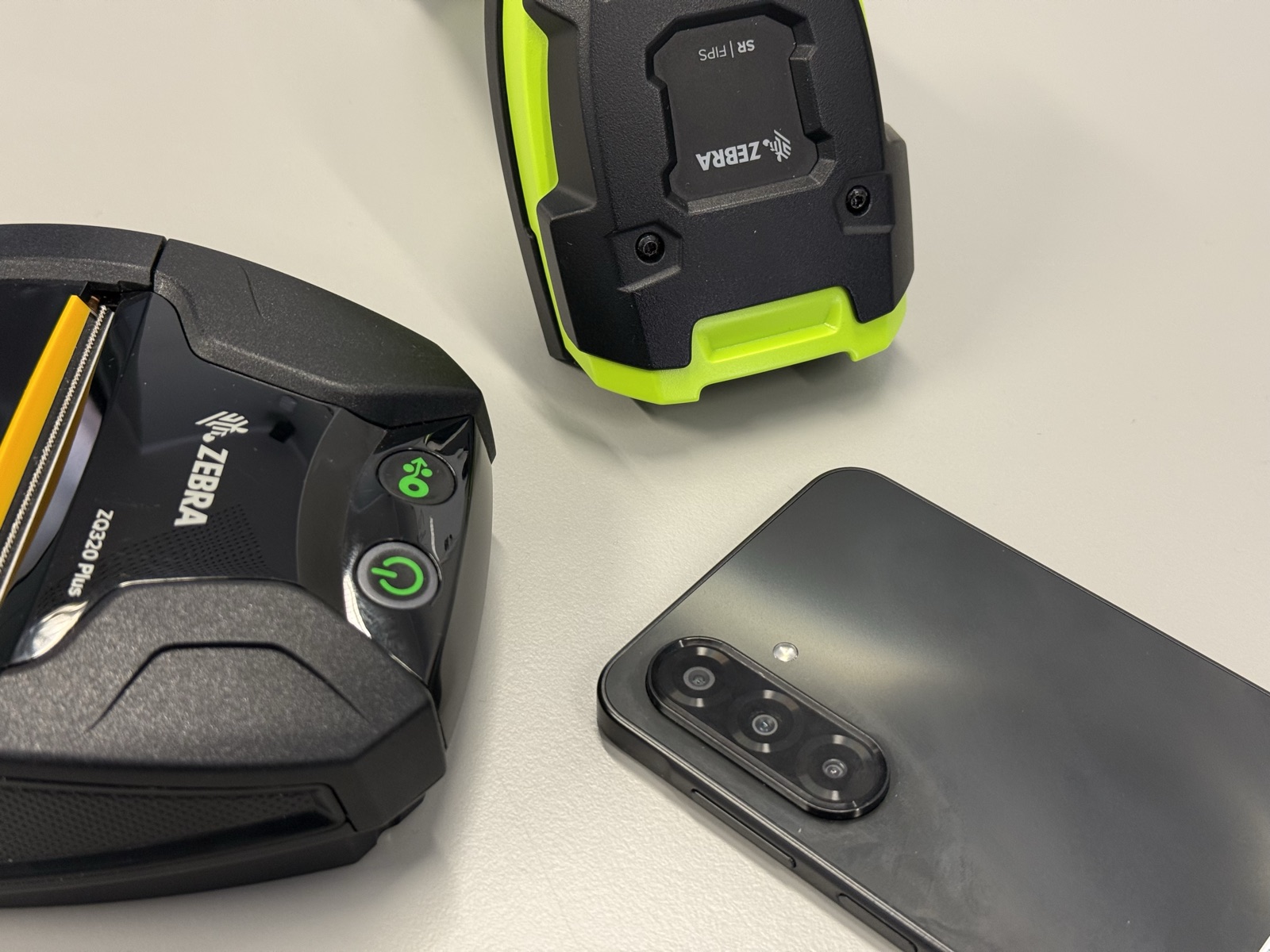
Our products are validated by Zebra
24U Software already authored the following products, both of which undertook thorough testing by Zebra to obtain a certificate of compatibility:
With us, your app will know it's talking to a scanner, not a keyboard
Most scanners support HID (Human Interface Device) mode, wherein the peripheral acts as a keyboard, printing a scanned barcode directly into a selected text field. While HID integration is simple and requires little or no custom software, it gives the application limited control over the scanner and can make workflows more prone to input errors. Moreover, Zebra scanners offer many other features which cannot be used that way. With a native software integration, you can:
- Respond to scanned barcode data without requiring the user to select the correct field or search box
- Distinguish the scanner from keyboard to eliminate the chance of accidental input
- Manage available and connected peripherals natively, without having to switch between your application and the system settings
- Receive the barcode type and the scanner identity, not merely the text
- Obtain useful information from the scanner, such as the firmware version and battery level
- Control scanner LEDs, allowing you to use green for success and red for a rejected read
- Trigger other scanner feedback, like beeps and vibrations
- Troubleshoot communication problems by virtue of better error handling
