




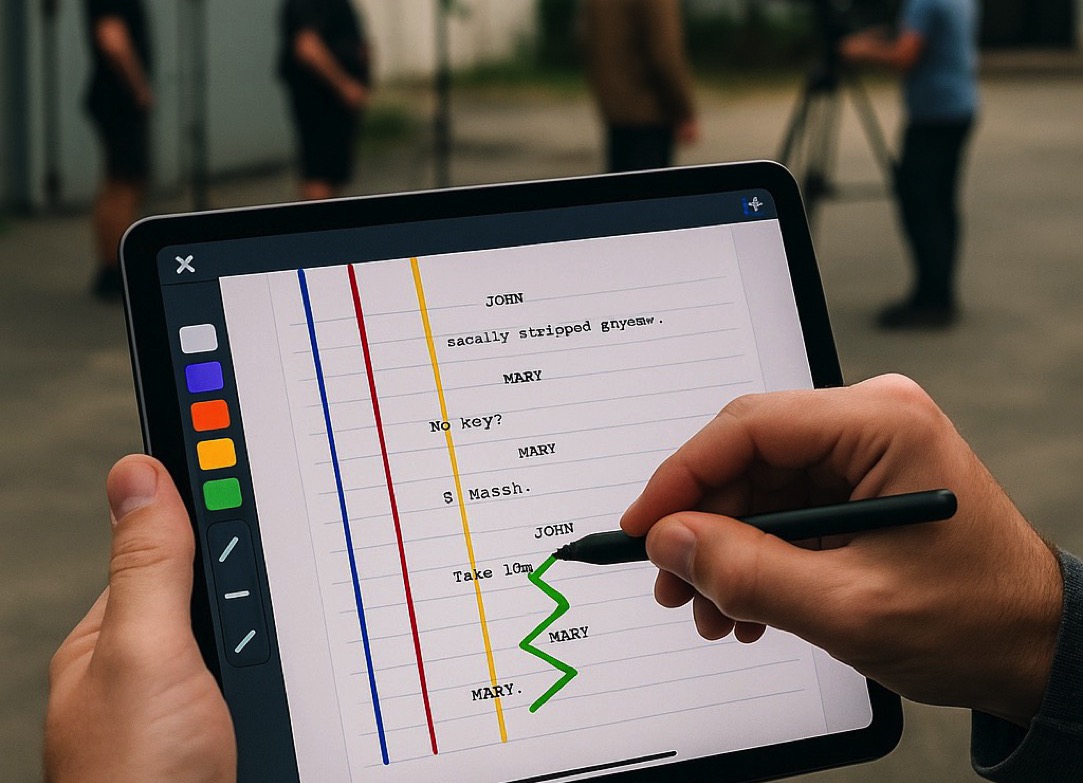
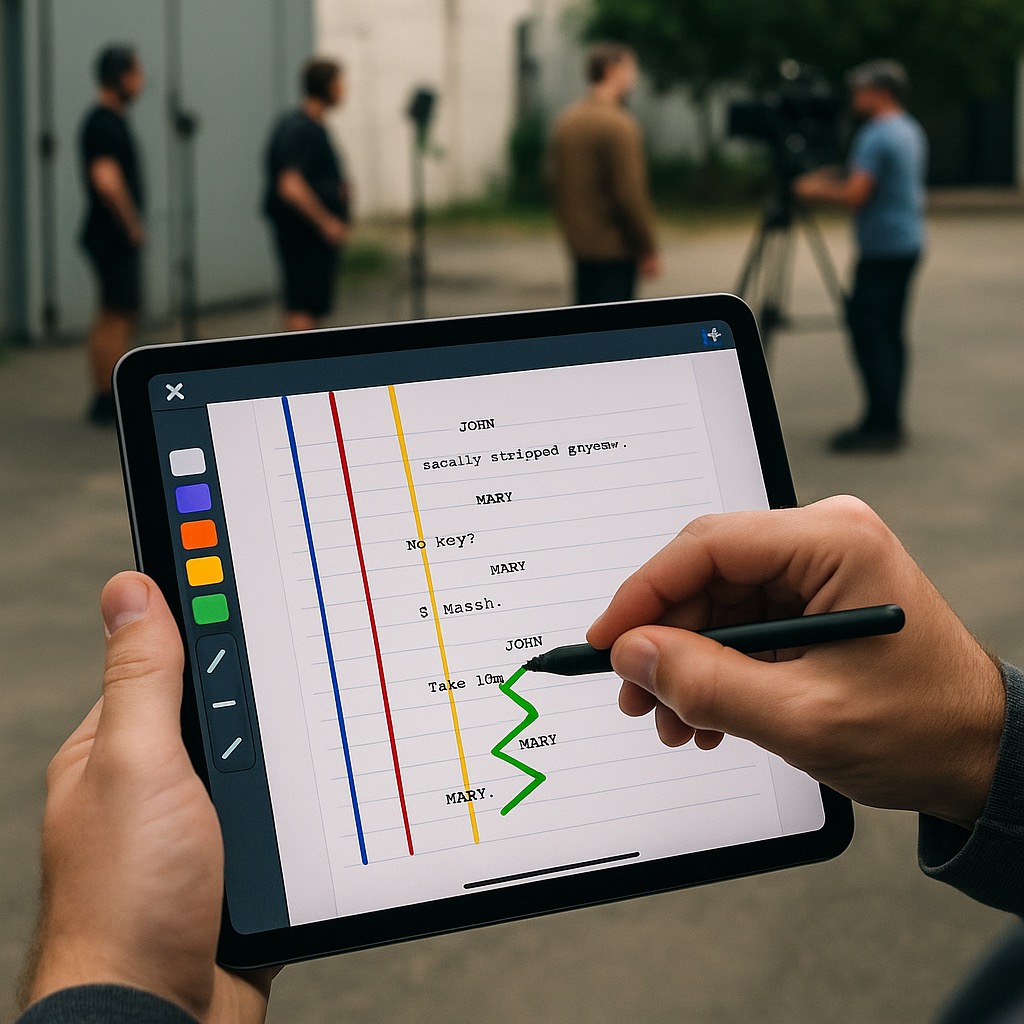
The film crew needed a tool that would allow them to work with the current version of the script directly on set, while also enabling visual notation of camera shots and technical notes during filming. Traditional paper scripts (“Line Script”) had to be constantly updated to reflect script changes, directorial instructions, or actor improvisation. This process was slow, difficult to manage, and did not allow easy sharing of updates among team members. The goal was to create a digital interface that would support interactive script work, editing, and visual annotations, while respecting standard film notation conventions.
We designed a web-based interface integrated into FileMaker, enabling users to work with the script directly within the application. Using HTML, CSS, and JavaScript embedded in a WebViewer, we created a fully interactive script display, including tools for drawing and markup.
Users can choose line types and endpoints, corresponding to the standardized markings used in “Line Script.” Each line represents a shot from a specific camera and can be color-coded based on the camera or scene type.

The interface also allows editing of the script text itself—adding, rewriting, or deleting character dialogue—while automatically updating related markers and line positions to maintain consistency between the script text and the visual representation of camera shots.
The solution includes script import and versioning based on the film industry’s standard color-coded revisions (white, blue, pink, etc.), enabling individual scenes or entire sections to be transferred across versions. The entire system was optimized for iPad so it can be conveniently used directly on set, even offline, with the ability to synchronize changes later with the central database.